/
Tal Hayun UX/UI DESIGNER
Home Work About Contact
Waves Audio

Product Launch Campaigns

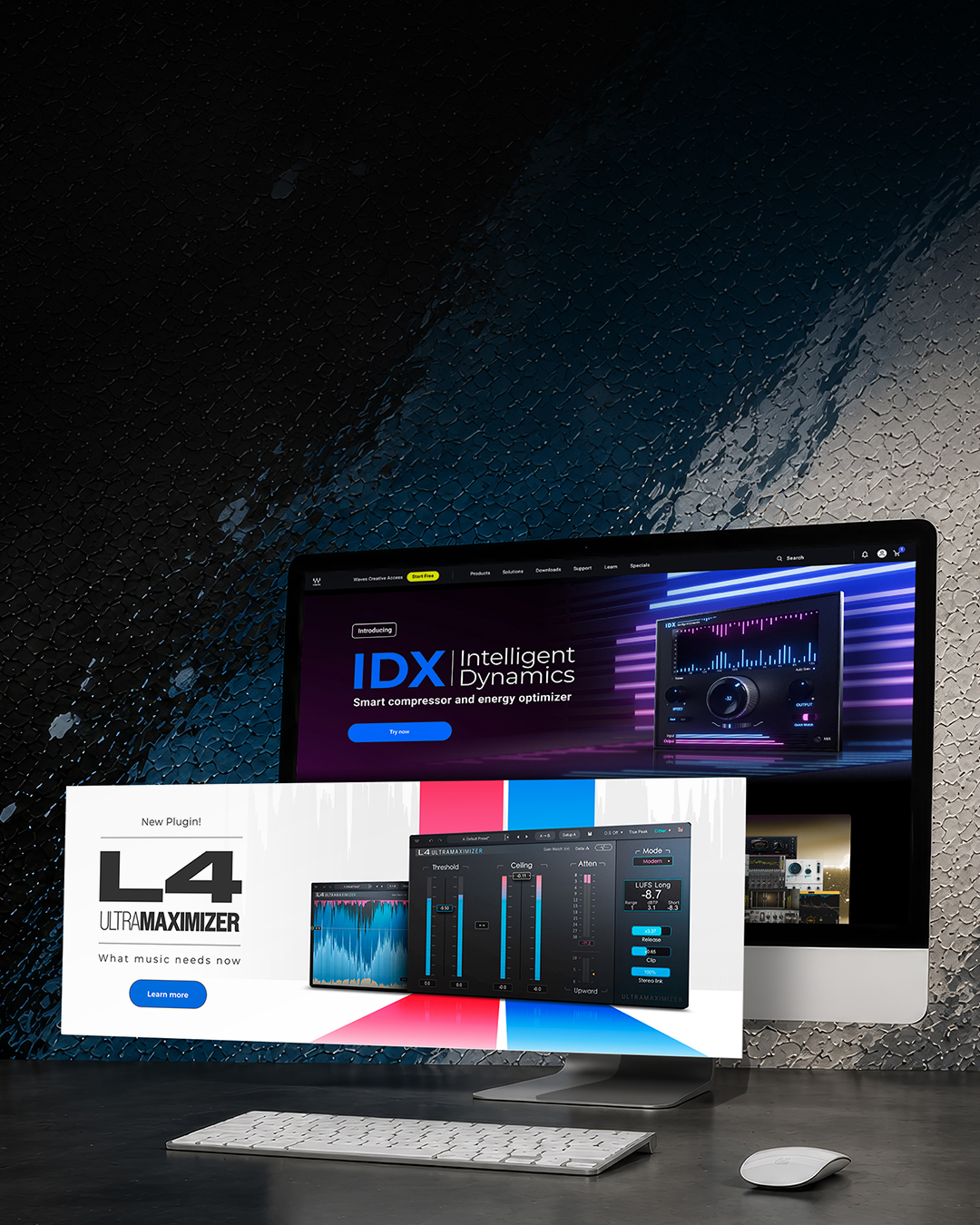
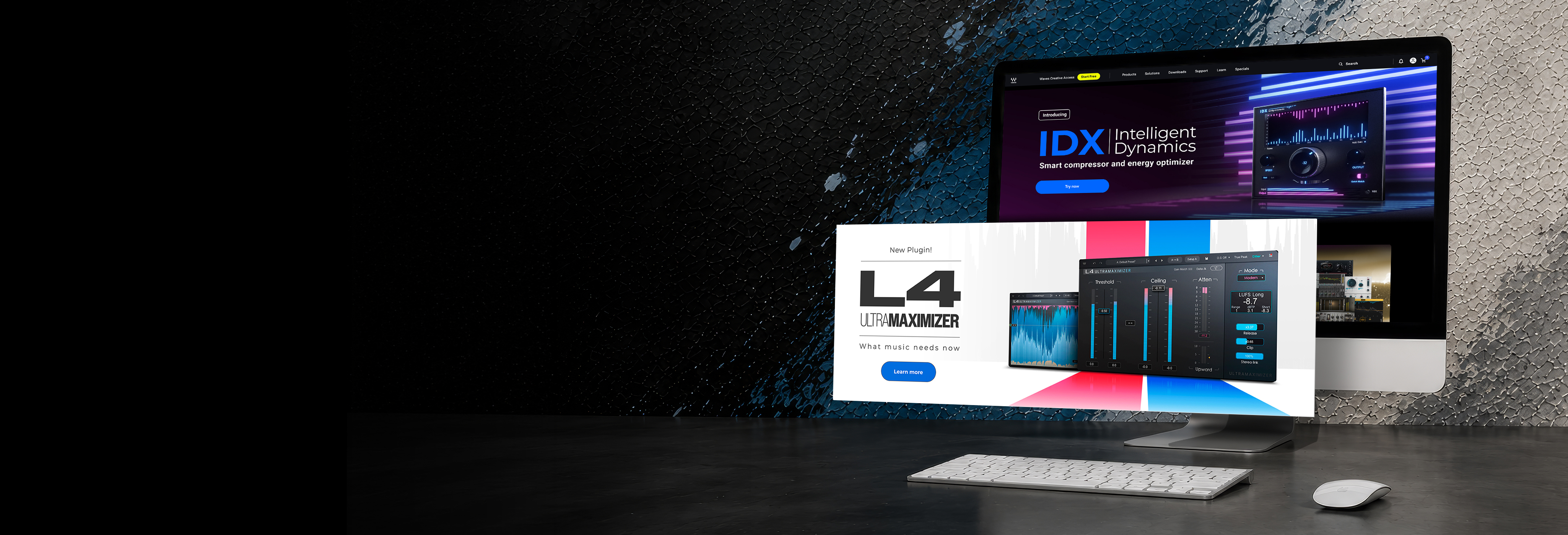
Launch campaigns for Waves plugins, each one built from the product’s own interface.Launch campaigns for Waves plugins, each one built from the product’s own interface.

  • Lead designer
  • Marketing team
  • Figma, Photoshop, Illustrator
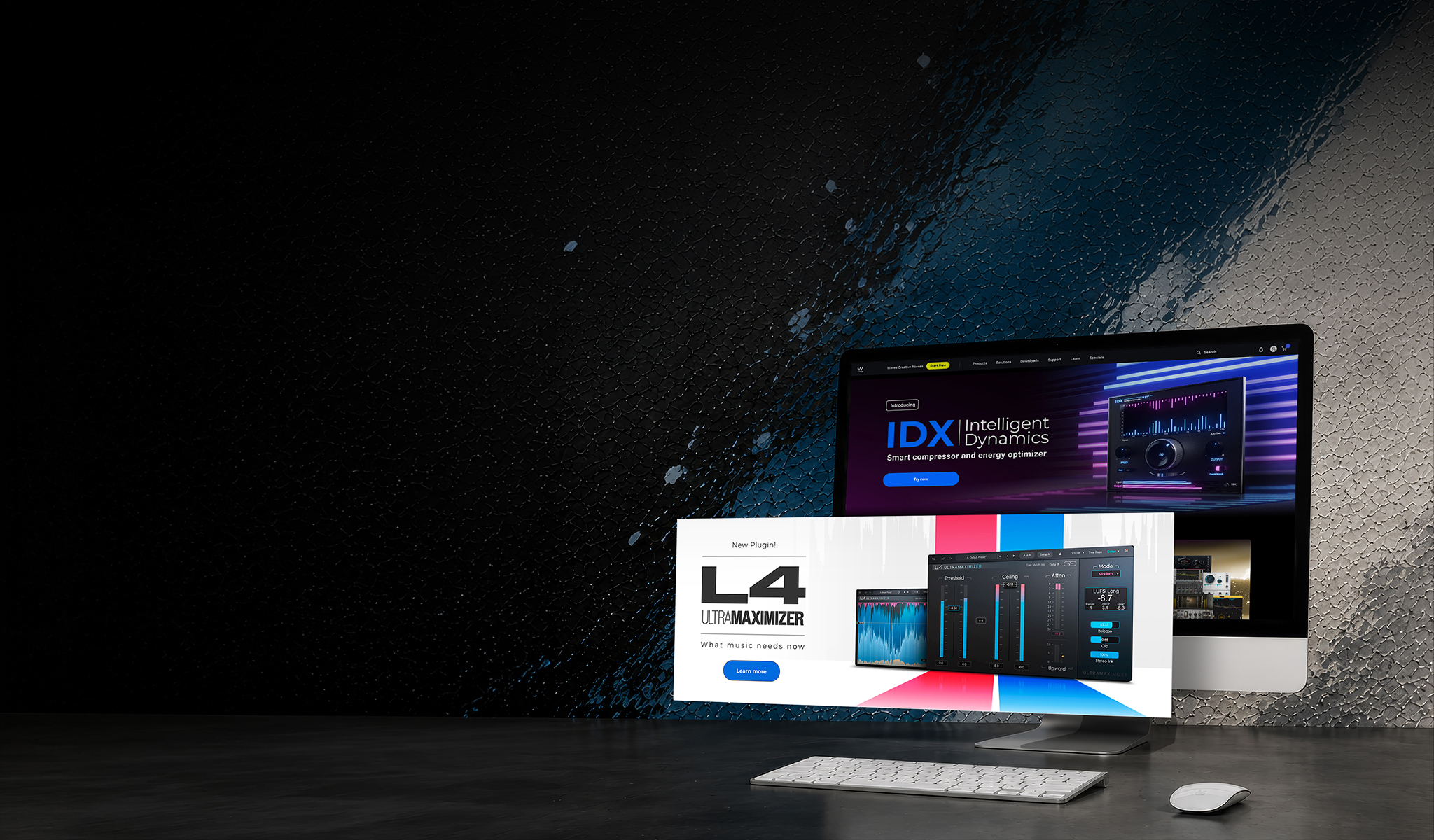
Waves Audio product release campaign hero visual Waves Audio product release campaign hero visual, mobile Waves Audio product release campaign hero visual, tablet
Waves Audio

Product Launch Campaigns

Launch campaigns for Waves plugins, each one built from the product’s own interface.

  • Lead designer
  • Marketing team
  • Figma, Photoshop, Illustrator

Project Overview

Launch campaigns for new Waves plugins, from the first banner to the social posts, newsletters and site banners around it.

Design Challenge

Give every plugin its own launch look, true to what it does and how it should feel, and make that look work in every channel.

01 — The brief

Every launch starts from the product

Each launch came with the plugin’s interface and a brief: what it does, the feeling to get across, and sometimes reference images.

  1. 01

    The interface

    The plugin itself, as users will see it.

  2. 02

    What it does

    What the product solves, in the brief’s words.

  3. 03

    How it should feel

    The mood to get across, with references when there were any.

02 — The look

The campaign look comes from the interface

From the interface and the brief, I set the colors and type for each launch.

Curves Resolve

Orange and blue from its spectrum display, on black.

Campaign palette: #000000, #02ACE7, #F07A2E, #FFFFFF

L4 Ultramaximizer

Red and blue from its meters, on clean white.

Campaign palette: #FFFFFF, #2F3236, #F0466E, #1E90F0

IDX Intelligent Dynamics

Blue and magenta from its meters, in dark neon.

Campaign palette: #0E020E, #1E5BF0, #E03AD0, #FFFFFF

Waves Gems

Many interfaces, one blue-to-purple look.

Campaign palette: #021566, #3C8CF0, #C83CF0, #7EBBCC
03 — The rollout

One approved banner, then every channel

Once the main banner was approved, the same language carried into social posts, newsletters and more banners. Sometimes I also prepared assets for the launch video, made by another designer.

  1. STEP 01

    Brief and interface

  2. STEP 02

    Colors and type

  3. STEP 03

    Main banner, approved

  4. STEP 04

    Social, newsletters, more banners

THE SAME LAUNCHES, ON MOBILE
In short

Start from the product. Get one banner right. Carry it everywhere.

Every launch had its own look, built from the plugin itself, and one approved banner that set the language for everything after it.
More projects

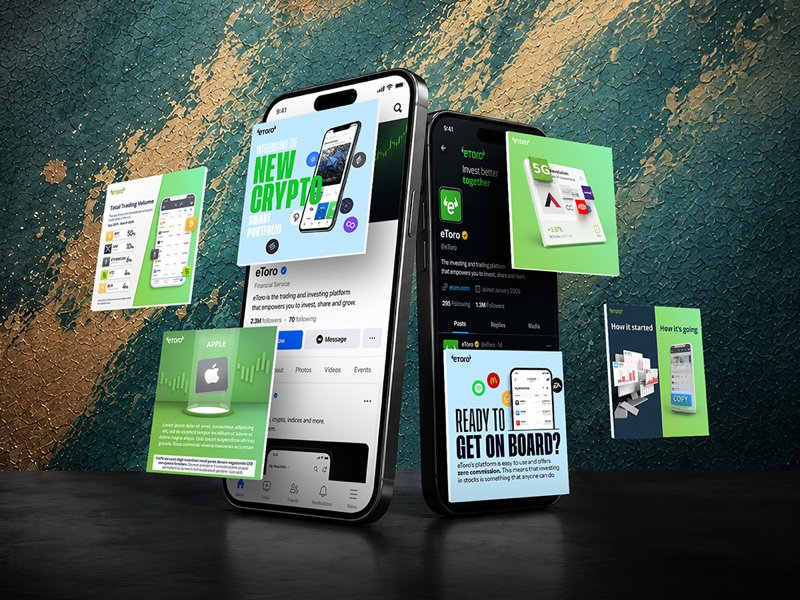
eToro Social Media preview
eToro Social Media

Social visuals for market news, features and community.

William Hill Online Gaming preview
William Hill Gaming

Gaming campaign visuals for William Hill brands.

Rabbit Tape Launch preview
Rabbit Tape Launch

A launch campaign for a vintage tape plugin.

LAUNCH CAMPAIGN
Black Friday Campaign preview
Black Friday Campaign

Promo visuals for Waves Audio peak sale periods.

{{ lightboxTitle }}

Desktop
{{ lightboxDesktopAlt }}
Mobile
{{ lightboxMobileAlt }}